SQLite Stores Text in INTEGER Columns and Ignores VARCHAR Lengths
A test suite on SQLite passes with a quantity of 'abc', or 'Germany' in a VARCHAR(2) country column. PostgreSQL, MySQL and MariaDB refuse both values, so the bug shows up in production instead.
Column types on SQLite are preferences: a value that does not fit is stored as it is, and lengths are never checked. Tests that run on SQLite then pass with data the production engine rejects. SQLite’s STRICT tables (version 3.37 and later) check types but not lengths, and the other engines do not accept the STRICT keyword.
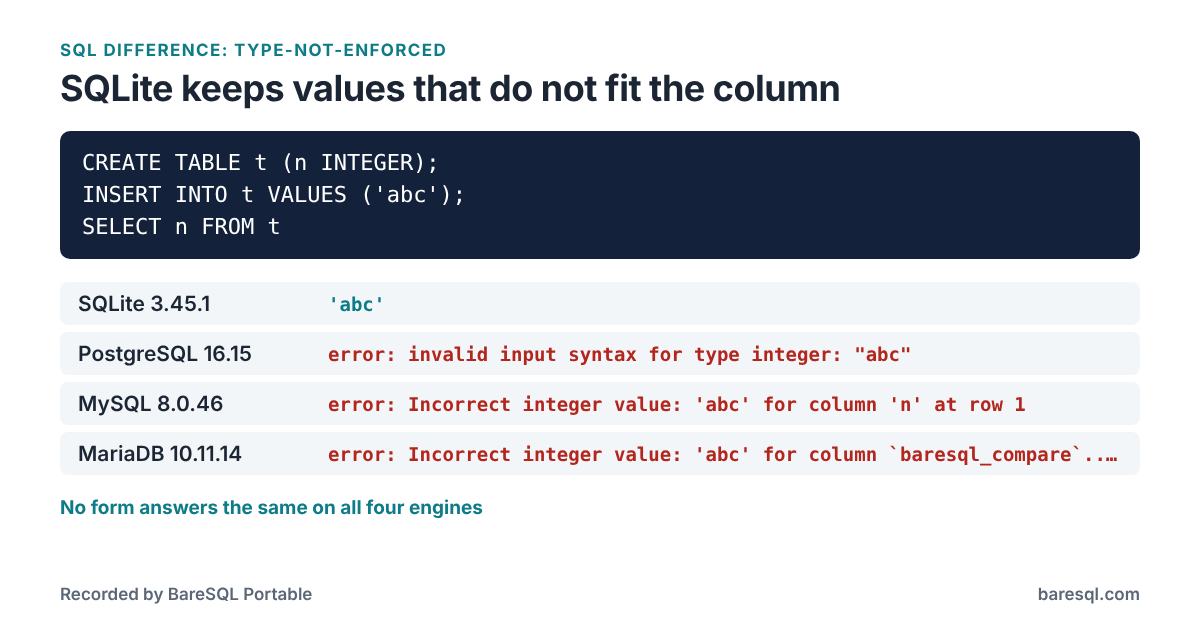
What Each Engine Answered
The example
CREATE TABLE t (n INTEGER);
INSERT INTO t VALUES ('abc');
SELECT n FROM t;
gave these answers:
| Engine | Answer |
|---|---|
| SQLite 3.45.1 | 'abc' |
| PostgreSQL 16.15 | error: invalid input syntax for type integer: "abc" |
| MySQL 8.0.46 | error: Incorrect integer value: 'abc' for column 'n' at row 1 |
| MariaDB 10.11.14 | error: Incorrect integer value: 'abc' for column `baresql_compare`.`t`.`n` at row 1 |
Every Form BareSQL Checks
BareSQL Portable checks 4 forms of this, and each was run on all four engines. yes means the engine ran it and the engines that ran it agreed, no means the engine refused it, and a value is what the engine answered where they disagreed.
| Form | SQLite | PostgreSQL | MySQL | MariaDB |
|---|---|---|---|---|
text in a number column |
yes | no | no | no |
a quoted fraction in an integer column |
12.5 |
no | 13 |
13 |
a fraction in an integer column |
12.5 |
13 |
13 |
13 |
too long for VARCHAR(n) |
yes | no | no | no |
What to Write Instead
Run the tests on the production engine as well, or check values in the application before they reach the database.
What BareSQL Portable Reports
Saved as example.sql, the example gets this from baresql lint --all:
$ baresql lint --all example.sql
example.sql:2:23: error: SQLite stores the text 'abc' in the INTEGER column n; PostgreSQL, MySQL and MariaDB refuse it. [type-not-enforced]
    'abc'
    Run the tests on the production engine as well, or check values in the application before they reach the database.

1 problem: 1 error.
baresql rules type-not-enforced prints the same answers in the terminal, and the BareSQL Portable page lists every difference BareSQL knows.